
Display management
Organize screens and groups in a shared management environment.
netacoTurn distributed displays into a coordinated communication network for your organization.
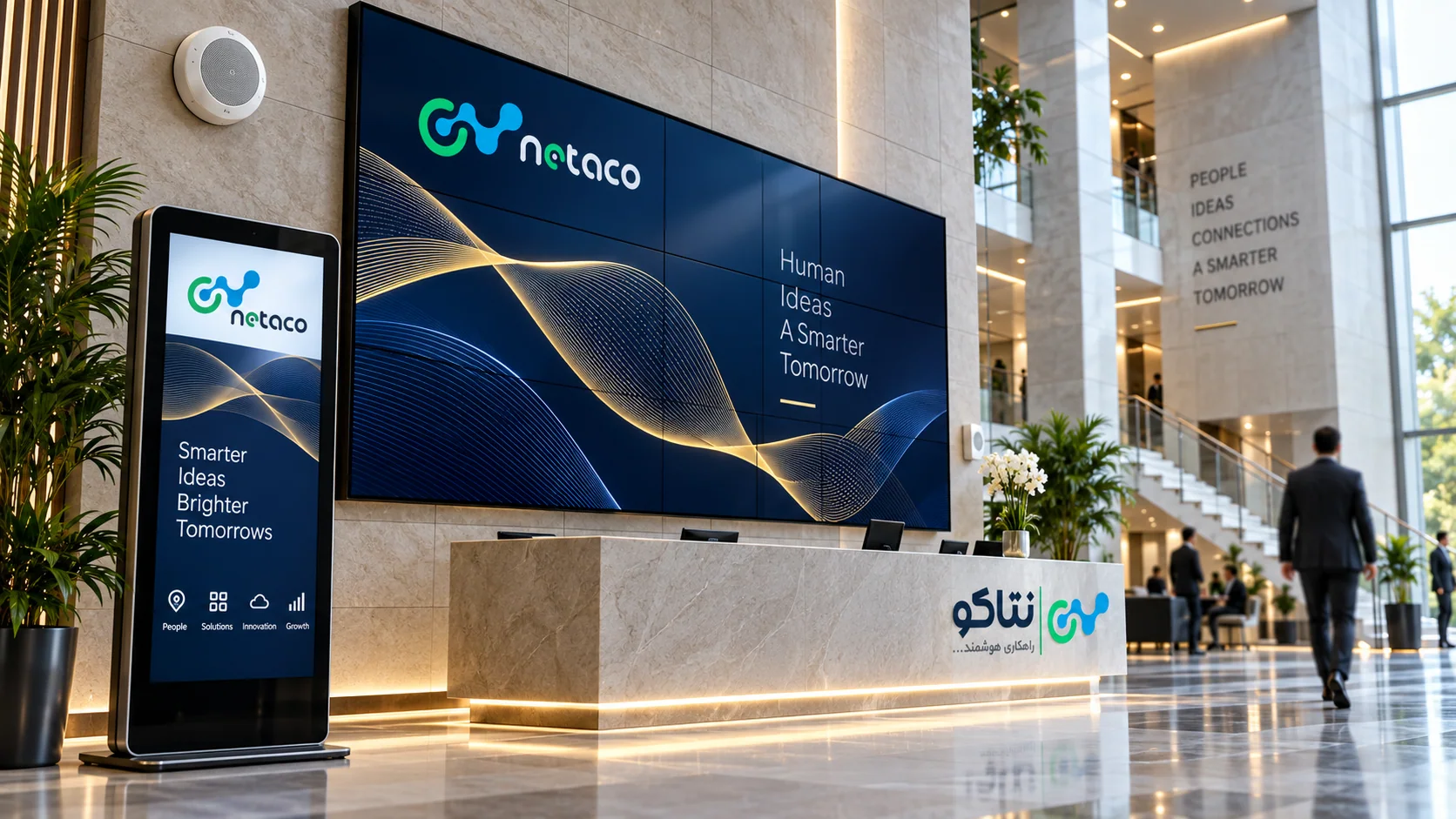
SignagePlus is an Iranian-developed enterprise software product from knowledge-based technology company Netaco and holds an AFTA certificate. The certificate applies to SignagePlus, not automatically to Netaco LMS, CMS or other Netaco products.
Signage Plus provides a centralized environment for managing visual content across branches, buildings and customer touchpoints.
Coordinate internal announcements, wayfinding and retail campaigns with their location, time and communication goals. Cloud or on-premises deployment is assessed for each project.
Organize screens and groups in a shared management environment.
netacoCombine images, video and relevant information in flexible layouts.
netacoCreate schedules and playlists for different locations and occasions.
netacoCoordinate content production and management across teams.
netacoAssess display solutions against project scenarios and hardware.
netacoResearch into content assistance and data-informed suggestions.
netacoSignage Plus connects media and display destinations in a management workflow. Prepare assets in the library, compose layouts with the web studio and templates, then organize channels and playlists. Grouping displays helps a branch, floor or audience receive an appropriate program while the organization maintains a consistent view of content and destinations.
Plan operating hours, weekdays and message validity. A retail campaign, employee notice and visitor guide have different viewing conditions. Check readability and playback order on representative equipment before broad publication. Operators should understand responsibility for updates, status checks and removal of expired messages, together with the procedure for correcting an unsuitable publication.
A project can involve displays, kiosks, variable-message signs and audio communication. Controller, player, peripheral and SIP-speaker compatibility is assessed for the deployment. Sensitive messages need accountable approval and a clear publishing route. Behavior during disconnection and available reporting depend on equipment and the proposed architecture; these details should be tested during acceptance.
Cloud and organization-specific deployment options are reviewed against the requirement. Start with destination counts, media types, connectivity and team roles, then pilot, train and hand over. Retail, restaurants, education, healthcare and industry each need a different content plan. The Signage Plus product website provides further capabilities and use cases to support a focused technical discussion.
To turn this topic into an executable plan, bring together the business objective, a decision owner and acceptance criteria. Use these points to start a review in your organization.
An entrance, waiting area and retail aisle serve different audiences. Define the objective, viewing distance and dwell time at each location so content fits the situation in which it is actually seen.
NetacoAssign responsibility for content creation, approval and publication. Plan shared brand messages alongside local branch content, and include connectivity and playback conditions in the operational review.
NetacoWhen evaluating SignagePlus, look beyond a polished demo video. Review schedule changes, interrupted connectivity, content updates and operator handover under conditions representative of your organization.
NetacoModule selection follows the location, hardware and product version.
Digital menus, pricing displays and retail catalogs help branches publish commercial information consistently. Define the price source, change approval and activation time in the operating workflow.
NetacoWayfinding, queue information and meeting room displays make visitor journeys easier to understand. Source data, floor plans, destination names and disconnected behavior are part of each scenario’s design.
NetacoHR boards, transportation information and variable message signs serve different audiences and locations. Every message needs an owner, a validity period and a clear approval route.
NetacoAudio and urban speaker management, player monitoring and media scheduling are part of SignagePlus’s scope. Offline behavior depends on downloaded content, player and application type; pilots should include actual network disconnection and recovery.
NetacoFor enterprise procurement, review the certificate documentation and its applicability to the proposed version. Configure access control, audit logging and publication management around your team’s roles. Cloud and on-premise deployment can be evaluated for SignagePlus; network, player and support requirements are defined in the project proposal.
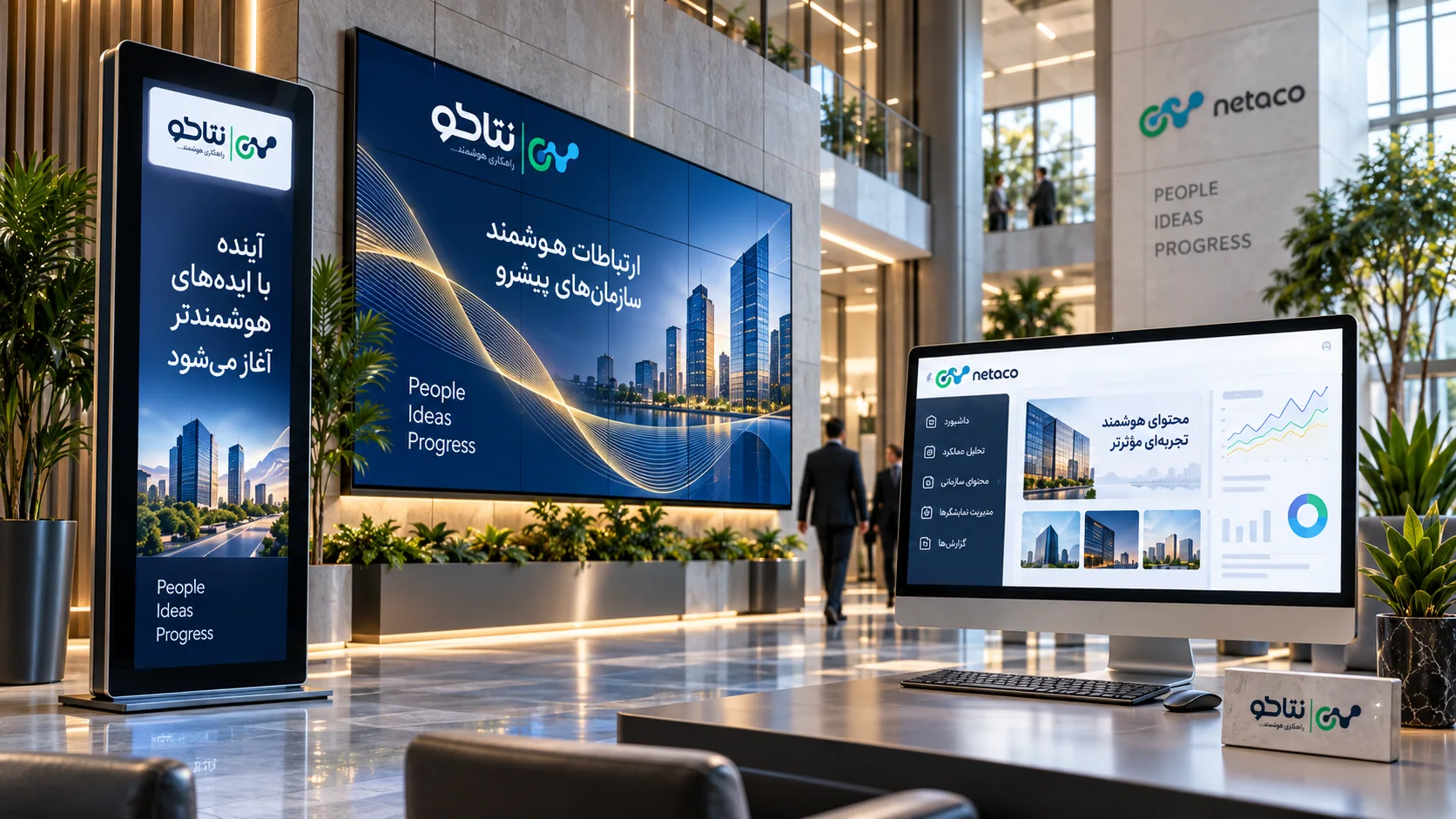
Plan an AI-assisted signage workflow covering briefs, approved data, human review, brand controls, publication rollback and measurable pilot outcomes.
Read articleReview signage security across user roles, player maintenance, external content, network access, audit evidence and tested recovery responsibilities.
Read articlePlan audio announcements through clear zones, authorized operators, network compatibility and intelligibility testing for recorded and live messages.
Read articleNo. Destinations and groups can receive programs suited to branch, timing and audience. Define grouping and permissions during project design.
Identify the controller, player, protocol and destination equipment, then test delivery and reporting on representative hardware. Record the final scope in the proposal.
Deployment is reviewed against capacity, connectivity and organizational policy. Send the project requirements to Netaco to assess available options.
Tell us what your organization needs. The right solution begins with a clear understanding of the challenge.